Get More Google Reviews
Make it easy for customers to leave a review.
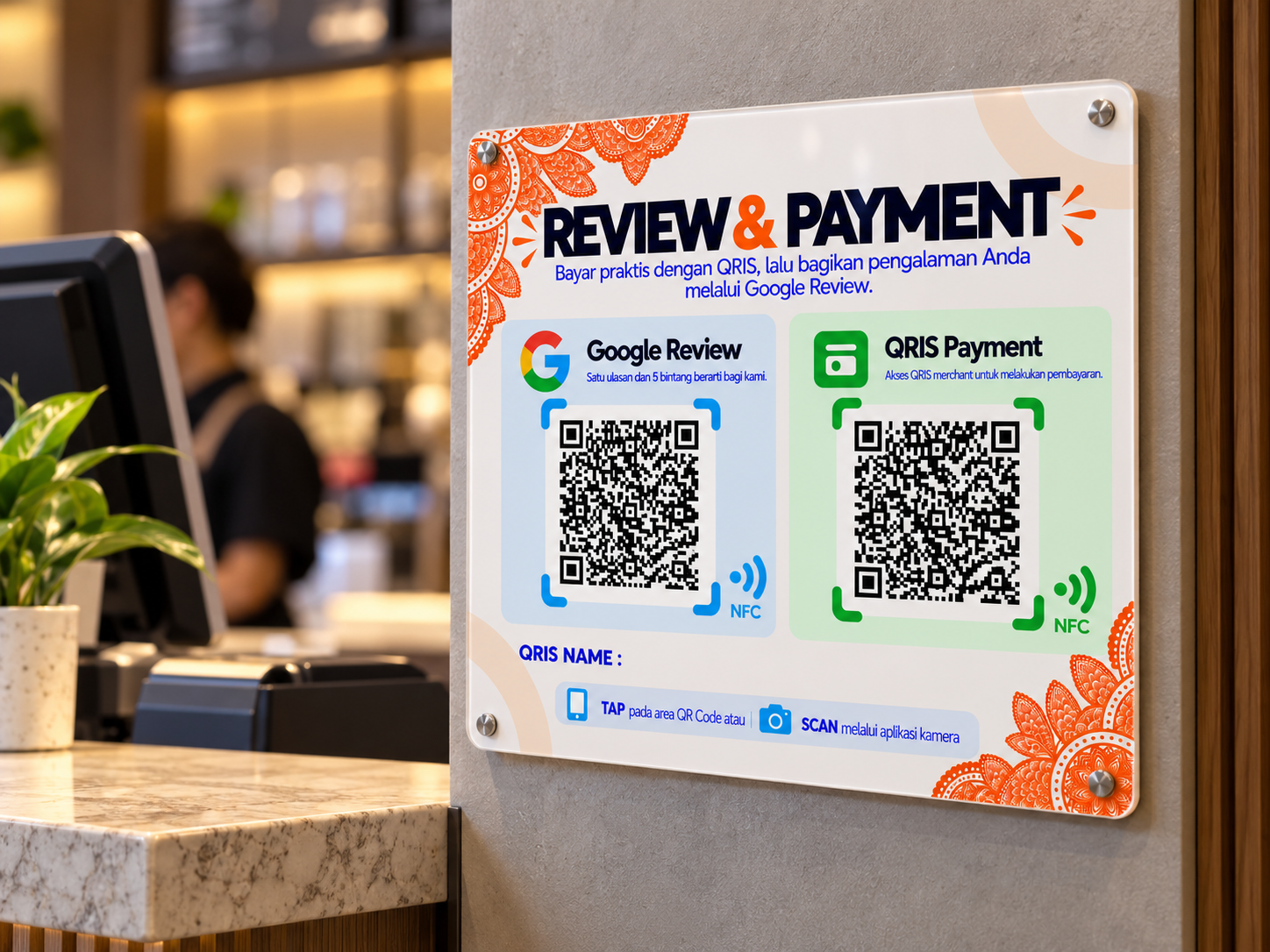
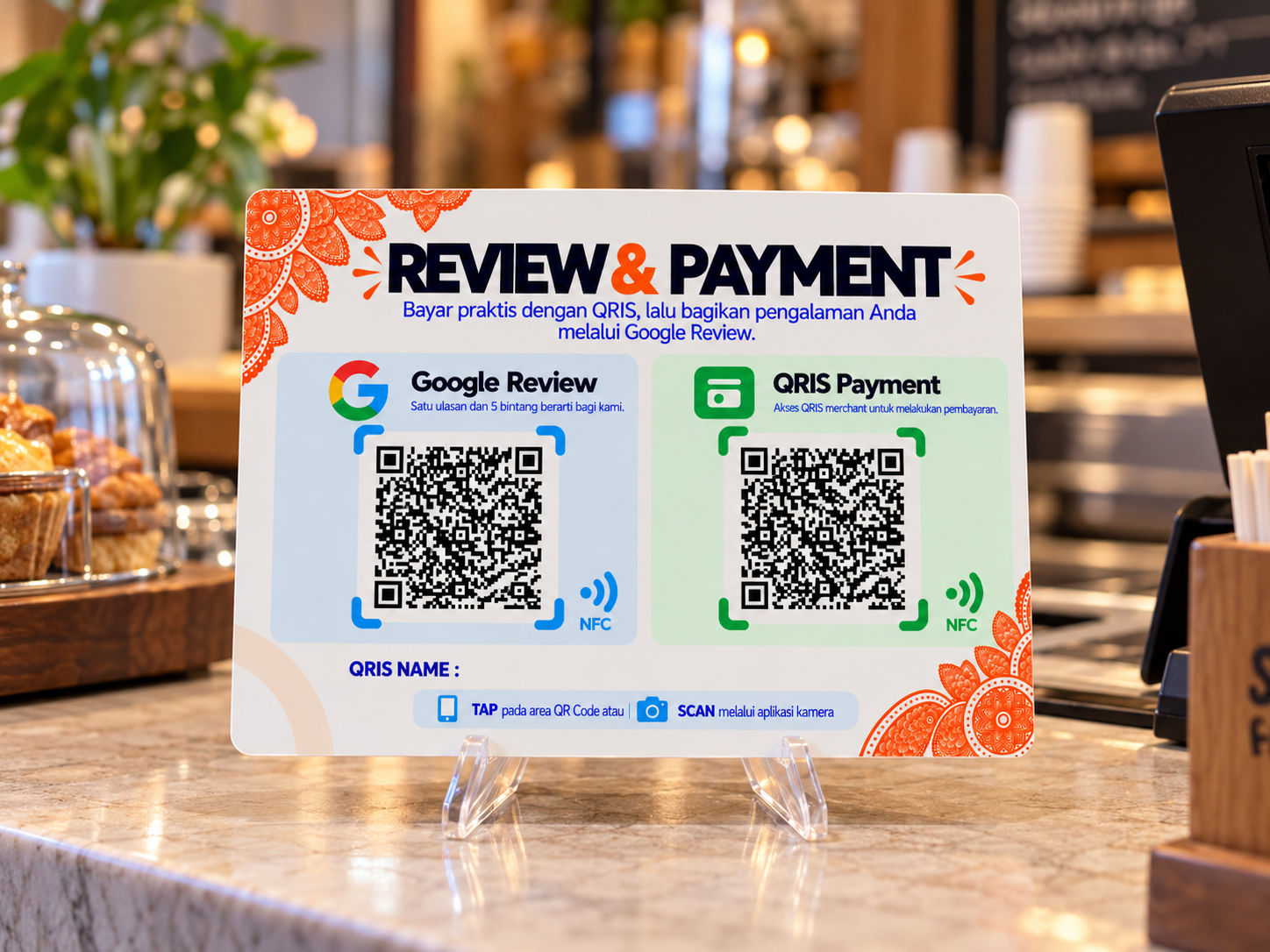
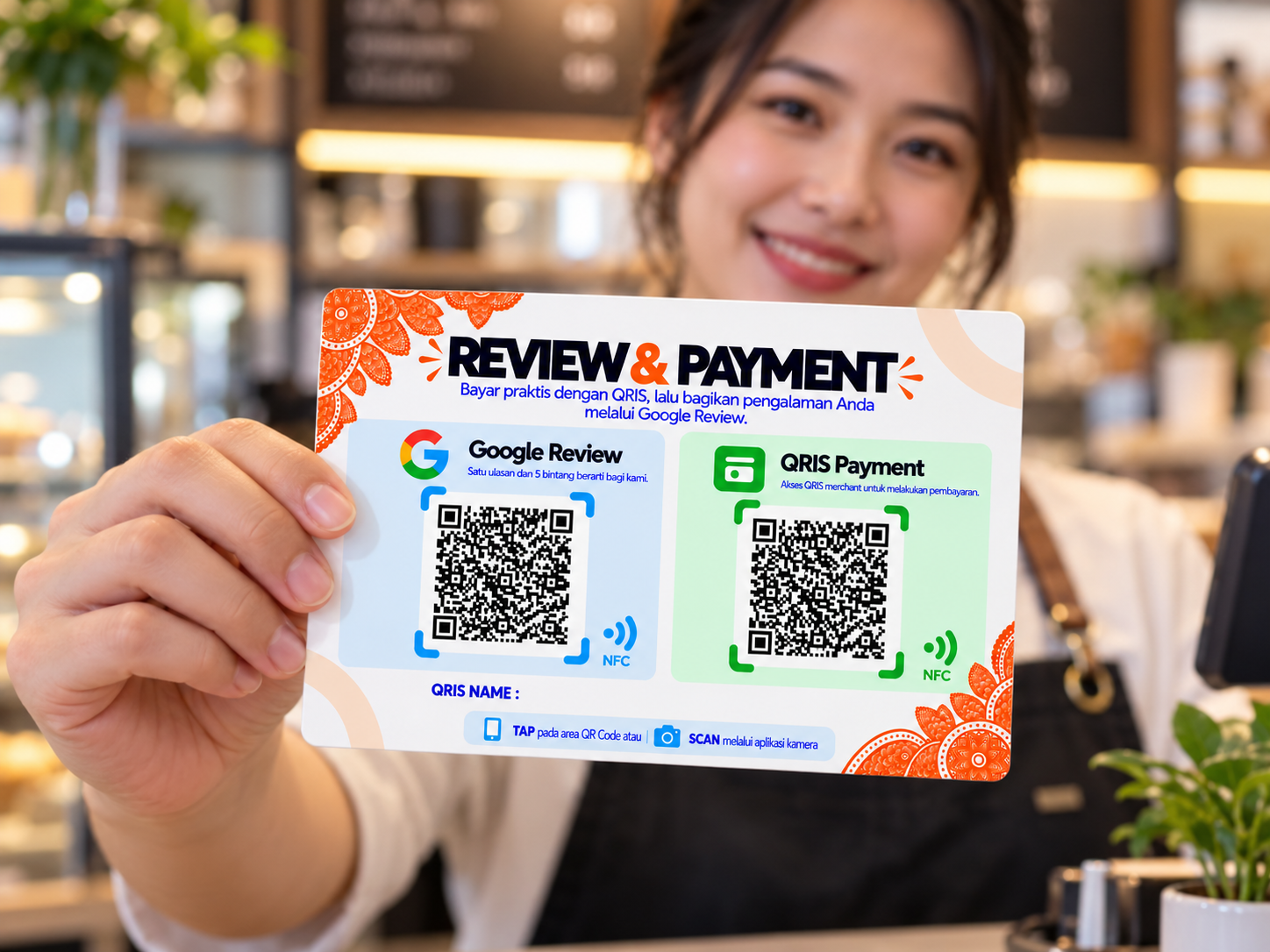
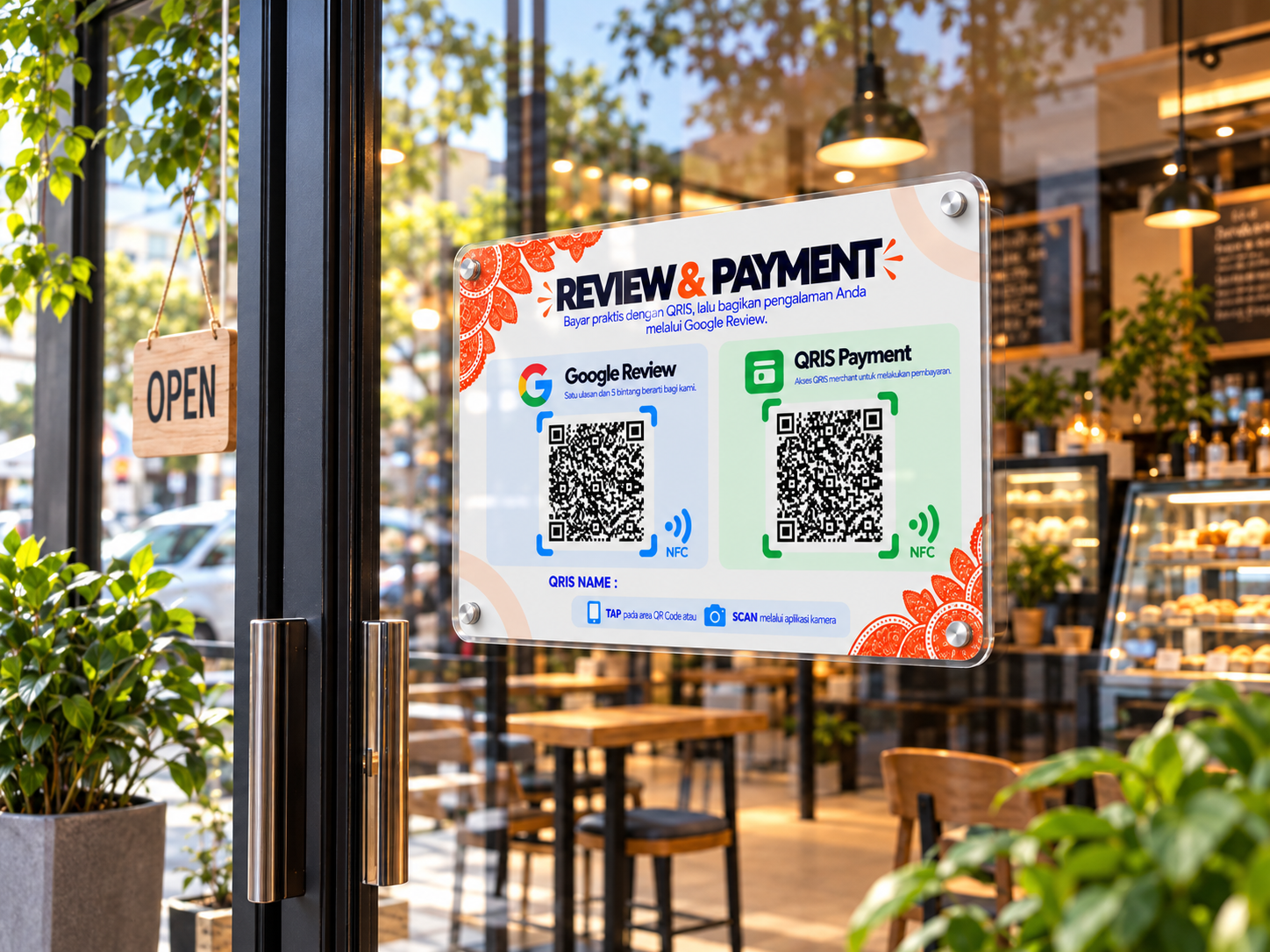
Make it easier for your customers to leave a Google review or access your QRIS payment. Just tap with NFC or scan the QR code.
Rp100.000
Rp20.000
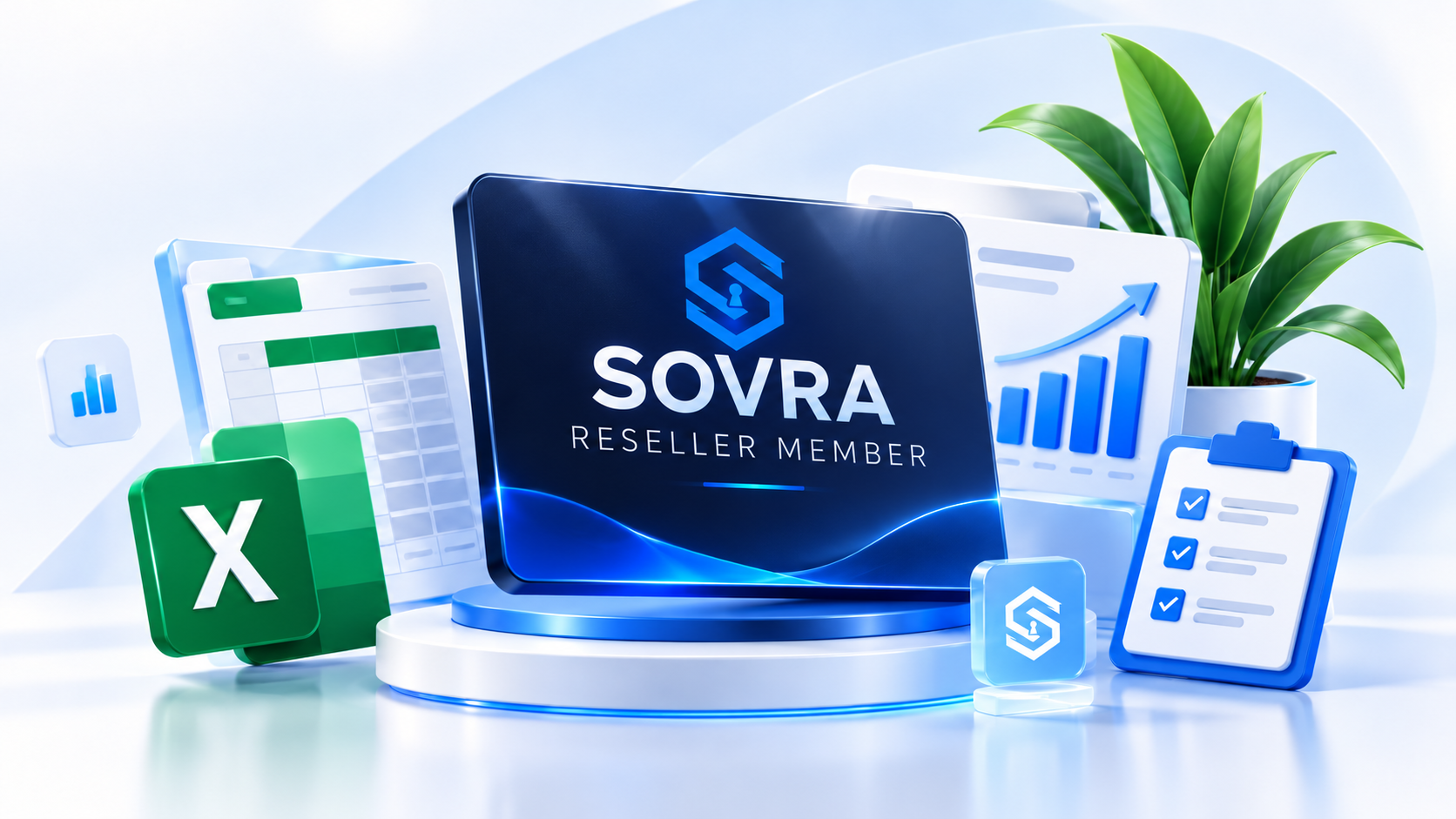
Start with a special reseller entry price and unlock stronger profit potential.
One-time membership, with no recurring renewal fees.
Access to eligible future SOVRA reseller offerings.
Excel templates for sales, expenses, and profit tracking.
Learn card activation, client closing, and business growth.
Connect, share strategies, and get community updates.
Membership applications are subject to review.
Make it easy for customers to leave a review.
Direct customers to your payment pages.
Just tap or scan. It's that simple.
Tap your phone on the card or scan its QR code.
Choose the Review or Payment side based on your needs.
Leave a Google review or proceed with QRIS payment.
Choose an activation channel to get started.
STEP 01 / 03
Review the pre-filled demo details to continue.
This step does not verify your business or activate a card.
STEP 02 / 03
Verify your business details before activation.
Demo review link ready — no external verification is performed.
Static tutorial only — no real card was activated.
STEP 03 / 03
Keep Your Credentials Safe
Save your Public Token and Secret Code securely.
Static tutorial preview — these published values cannot access a real SOVRA CARD.
STEP 01 / 03
Enter your card credentials to continue.
Demo credentials are ready for this static tutorial.
Static tutorial preview — this comparison does not authenticate a real card.
STEP 02 / 03
Set up your payment information.
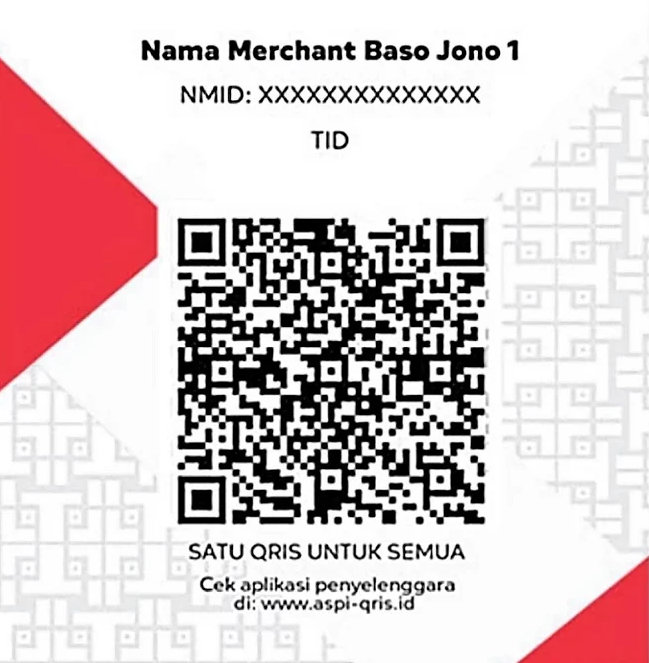
STEP 03 / 03
Scan or download this demo QRIS image using your payment app.
PAYMENT NAME
CARD PAYMENT PREVIEW READY — STATIC TUTORIAL COMPLETE